In this article
A customer calls your branch about a late delivery. Two days later she repeats it on WhatsApp, then in a public review. Each time a different employee answers, and nobody knows what was promised before. That is what happens when complaints live in phones and inboxes.
This guide is for operations and customer service managers in Saudi retail, services, contracting, clinics, and schools. It covers what a complaint management system is, how it compares with similar tools, which features matter, and how to set one up in a week.
What is a complaint management system?
A complaint management system is software that records every customer complaint in one place and tracks it until it is resolved. Each complaint becomes a record with a customer, a category, a priority, an owner, a status, and a full history of what was said and done.

The goal is simple. No complaint gets lost, every customer gets a clear answer, and managers see patterns instead of guessing. Many companies also use it as an issue reporting and management system for internal problems, such as a broken AC unit at a branch.
Why spreadsheets, WhatsApp, and email threads fall short
Most teams start with what they already have. That works for a few complaints a week, then breaks down as volume grows:
- No single owner. A complaint in a group chat belongs to everyone, so it belongs to no one.
- No history. When a customer writes again, the agent cannot see the earlier conversation, the order, or the invoice in question.
- No status. A spreadsheet row does not show whether the customer is waiting on you or you are waiting on them.
- Personal devices. When an employee leaves, the complaints saved on their phone leave too.
- No reporting. Counting complaints by category or measuring time to close takes hours of manual work.
WhatsApp and email are good places to receive complaints. They are poor places to manage them.
The complaint lifecycle, step by step
Every complaint should move through the same stages, whatever channel it came from.
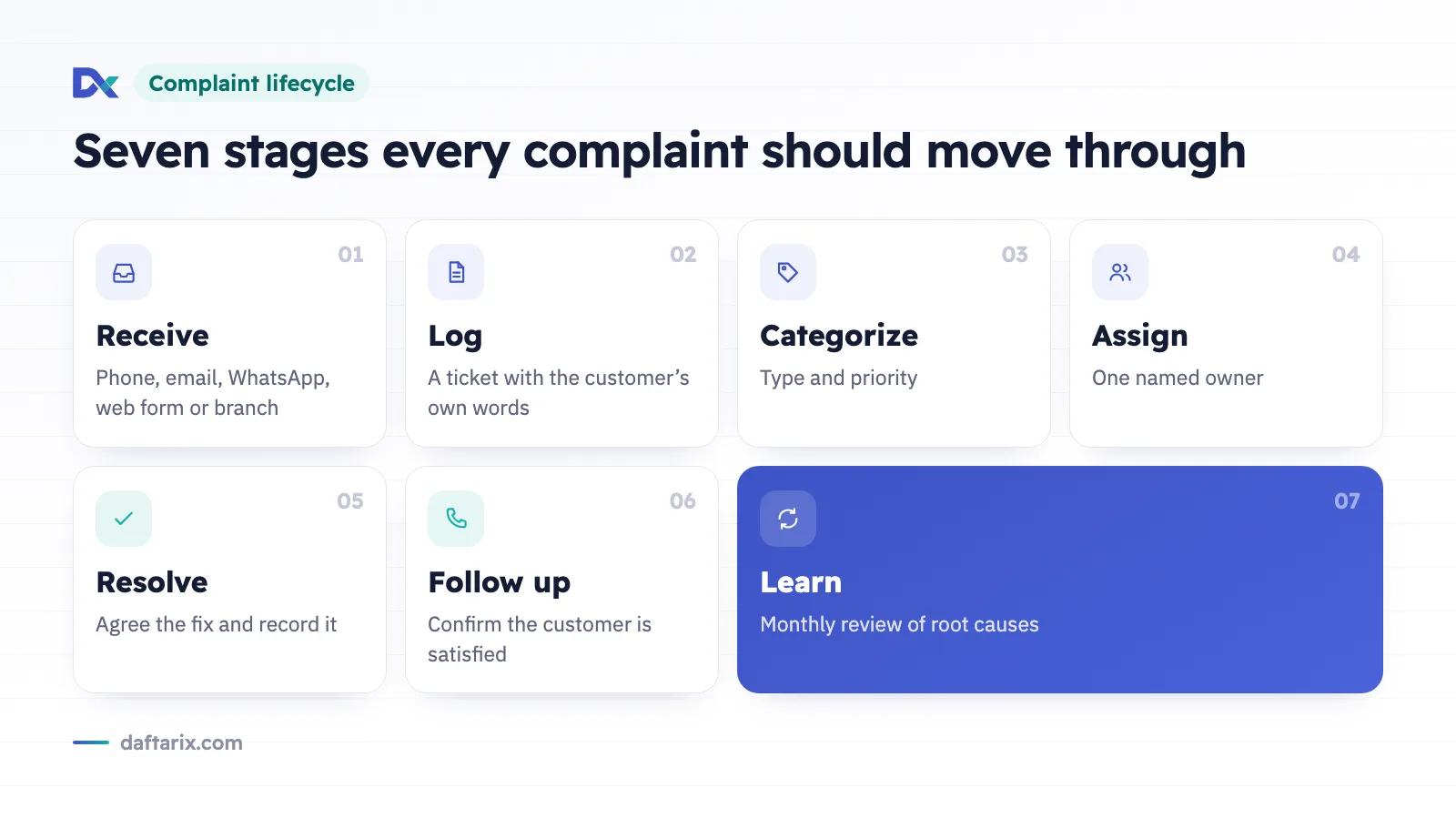
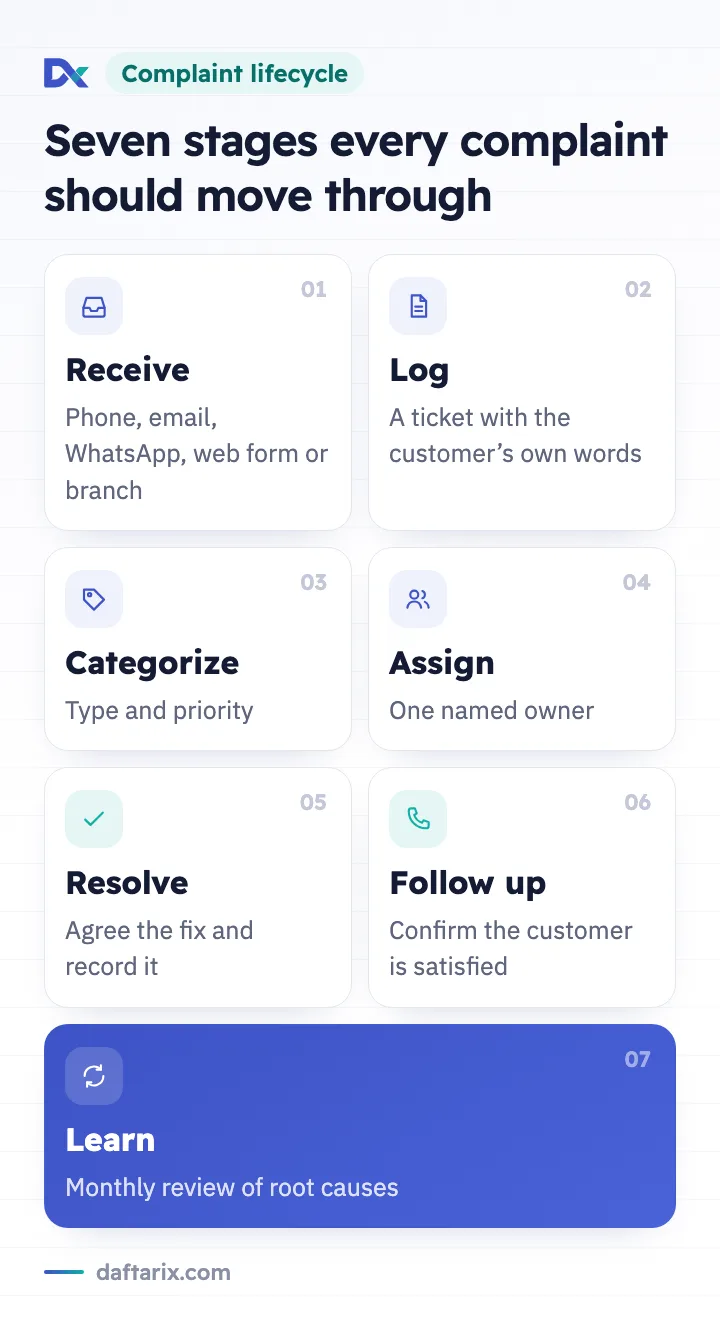
- Receive. The complaint arrives by phone, email, WhatsApp, a web form, or in person at a branch.
- Log. Someone records it as a ticket straight away, with the customer's details and the problem in their own words.
- Categorize. Tag it as delivery, billing, product quality, staff behavior, appointments, or similar, and set a priority.
- Assign. Give it to one named person or team who stays responsible until it closes.
- Resolve. Investigate, agree on a fix with the customer, and record what was done.
- Follow up. Confirm the fix worked and the customer is satisfied before closing the ticket.
- Learn. Review complaints by category every month and fix the root causes behind them.
Most teams skip the last step. It is also where complaint data turns into better operations: fewer late deliveries, clearer invoices, and better trained staff.
Help desk vs complaint management system vs issue reporting system
These terms overlap, and software vendors use them loosely. Here is a practical way to tell them apart.
| Aspect | Help desk | Complaint management system | Issue reporting system |
|---|---|---|---|
| Main purpose | Answer customer questions and requests | Record and resolve customer dissatisfaction | Capture problems reported by staff or customers, often internal or technical |
| Typical users | Support agents | Customer service and quality teams, managers | Branch staff, facilities, IT, operations |
| Typical record | A ticket for a question, request, or problem | A complaint with its category, root cause, and resolution | A report of a fault, defect, or incident |
| Main focus | Speed and quality of replies | Fair resolution and preventing repeats | Fixing the problem and tracking it to closure |
| Typical reports | Volume, response time, agent workload | Complaints by category, repeat complaints, resolution time | Open issues by location or type, time to fix |
In practice, a good help desk management system can do all three jobs, because complaints, requests, and reported issues all become tickets. What changes is the category you assign and the process you follow. That is why most businesses do not need three separate tools. You can read more on our issue reporting system page.
What to look for in a complaint management system
Must-have features checklist
- A shared inbox, so the whole team sees incoming complaints, not just the person who received them.
- Tickets with categories, priorities, and statuses you define yourself.
- Assignment to a named owner, with the option to reassign.
- A complete history on every ticket: messages, internal notes, and status changes.
- Customer context beside the ticket, such as past tickets, deals, and invoices.
- Response time and resolution time tracking.
- Reports on complaint volume by category and over time.
- Replies in Arabic and English, with proper right-to-left display.
- A low-cost way to start, such as a free plan for one user, so you can test the process first.
Serving customers in Arabic and English
Many businesses in Saudi Arabia serve Arabic-speaking customers alongside residents who prefer English. Your complaint process should handle both without extra effort.

Agents should be able to reply in the customer's language, the system should display Arabic correctly from right to left, and your categories and reply templates should exist in both languages. Reports should combine both languages under the same categories. Language is part of the customer experience, not an extra.
Metrics worth tracking
You do not need a large dashboard. Four numbers tell you most of what you need to know.

First response time
How long a customer waits before a person acknowledges the complaint. A quick reply, even just to say you are looking into it, calms most situations.
Resolution time
The time from logging a complaint to closing it. Track it by category, since a billing correction and a repair on a project site never take the same time.
Repeat complaints
How many customers complain again about the same issue. A rising number means tickets are closed before the problem is fixed.
Complaints by category
Which categories grow month over month. This points to root causes, such as one branch, product, or supplier.
Set targets from your own first month of data rather than general averages.
How to roll it out in one week
One focused week is enough to move from scattered chats to a working process.
- Day 1: Map your channels. List every place complaints arrive: phone lines, email, WhatsApp numbers, branches, and social accounts.
- Day 2: Define categories and priorities. Six to ten categories and three priority levels are enough to start.
- Day 3: Set up the system. Add your team, set up the shared inbox, and enter the categories and statuses you agreed on.
- Day 4: Agree on ownership. Decide who picks up new tickets, who handles urgent ones, and who approves refunds or replacements.
- Day 5: Write reply templates. Prepare short acknowledgment and closing messages in Arabic and English.
- Day 6: Train the team. Walk through five real complaints from last month inside the new system.
- Day 7: Go live and review. Route new complaints into the system, then review the first tickets together and adjust.
After launch, review the four metrics above once a month. That habit is what makes the system pay off.
Where Daftarix fits
Daftarix is a SaaS platform that combines a sales CRM, quotations and invoicing, and a help desk, in Arabic and English with a full right-to-left layout. Complaints and reported issues are handled as help desk tickets, each with a category, a priority, an owner, a status, and a complete history. Your team works from a shared inbox, agents reply in Arabic or English, response time is tracked, and reports show complaint volume and resolution time.
Because the help desk sits beside the sales CRM, each ticket shows the customer's history, including their deals and invoices. When a customer complains about a bill, the agent can open that invoice without switching tools. See how it works on our complaint management system page.
Frequently asked questions
What is the difference between a complaint and a support request?
A support request asks for help or information. A complaint expresses dissatisfaction with something that already happened. Both can be handled as tickets in the same system, with a different category, priority, and follow-up.
Is there a free help desk we can use to manage complaints?
Yes. Daftarix is lifetime free for one user, so an owner or customer service lead can set up the process and test it. Teams with more users can ask for pricing at sales@daftarix.com.
What is the best complaint management system in Saudi Arabia?
It depends on your team, but look for full Arabic support with a right-to-left layout, replies in Arabic and English, clear owners and statuses, customer history beside each ticket, and reports on volume and resolution time. Test any option with real complaints before you decide.
Can the same system handle internal issue reports?
Yes. An issue reporting and management system follows the same principles as complaint handling. Create a category for internal issues, such as facilities or IT, and assign each report to the right owner. Staff reports and customer complaints then sit in one place.
Ready to move complaints out of chats and inboxes? Start with Daftarix free for one user and follow every complaint from first message to final follow-up. For teams, visit the pricing page or email sales@daftarix.com.